423 Chestnut Street
Meadville, Pennsylvania 16335
Phone: 814-333-4326
Click on the thumbnails to see enlargements in 3D Stereoscopic Vision.
It may take a little while for these images to load but your patience will be rewarded.
3D Glasses Required.   Click HERE for help using the applet.
The Stereoscope applet works with Internet Explorer 4.0+ and Netscape 4.06+.   Click HERE if you are having browser trouble.

The preferred viewing method Now is some example text following which is only displayed if the browser does not support JAVA

If you had a JAVA 1.1 enabled browser, you would see a stereoscopic image here!
Instead you get a preview only (not clickable, not 3D!):

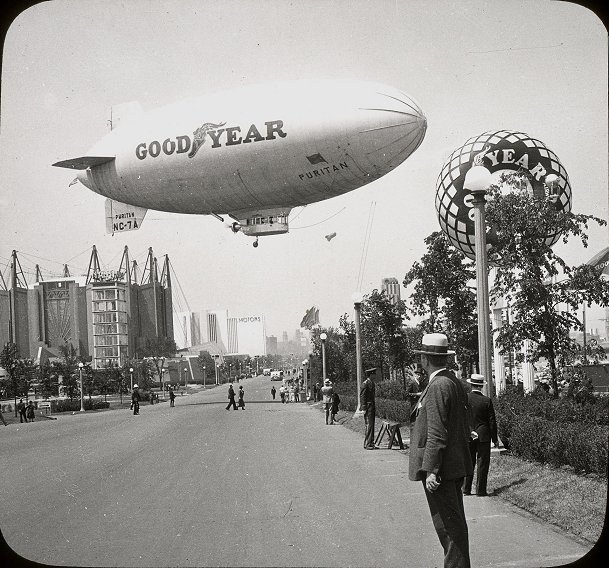
Goodyear Blimp

The preferred viewing method Now is some example text following which is only displayed if the browser does not support JAVA

If you had a JAVA 1.1 enabled browser, you would see a stereoscopic image here!
Instead you get a preview only (not clickable, not 3D!):

Lou Gehrig

The preferred viewing method Now is some example text following which is only displayed if the browser does not support JAVA

If you had a JAVA 1.1 enabled browser, you would see a stereoscopic image here!
Instead you get a preview only (not clickable, not 3D!):

Before Plastic Dishes

The preferred viewing method Now is some example text following which is only displayed if the browser does not support JAVA

If you had a JAVA 1.1 enabled browser, you would see a stereoscopic image here!
Instead you get a preview only (not clickable, not 3D!):

Thomas A. Edison

The preferred viewing method Now is some example text following which is only displayed if the browser does not support JAVA

If you had a JAVA 1.1 enabled browser, you would see a stereoscopic image here!
Instead you get a preview only (not clickable, not 3D!):

Eiffel Tower

The preferred viewing method Now is some example text following which is only displayed if the browser does not support JAVA

If you had a JAVA 1.1 enabled browser, you would see a stereoscopic image here!
Instead you get a preview only (not clickable, not 3D!):

Dwight David Eisenhower

The preferred viewing method Now is some example text following which is only displayed if the browser does not support JAVA

If you had a JAVA 1.1 enabled browser, you would see a stereoscopic image here!
Instead you get a preview only (not clickable, not 3D!):

Mahatma Gandhi

The preferred viewing method Now is some example text following which is only displayed if the browser does not support JAVA

If you had a JAVA 1.1 enabled browser, you would see a stereoscopic image here!
Instead you get a preview only (not clickable, not 3D!):

Graf Zeppelin

The preferred viewing method Now is some example text following which is only displayed if the browser does not support JAVA

If you had a JAVA 1.1 enabled browser, you would see a stereoscopic image here!
Instead you get a preview only (not clickable, not 3D!):

Grand Canyon

The preferred viewing method Now is some example text following which is only displayed if the browser does not support JAVA

If you had a JAVA 1.1 enabled browser, you would see a stereoscopic image here!
Instead you get a preview only (not clickable, not 3D!):

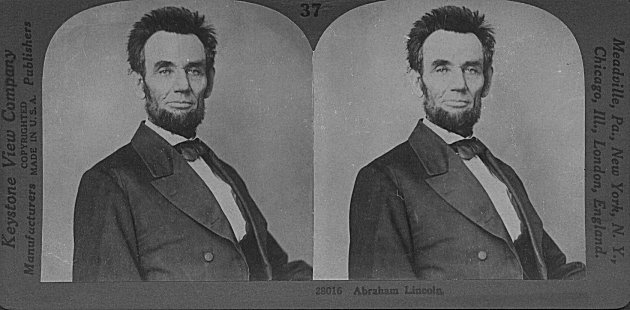
Abraham Lincoln

The preferred viewing method Now is some example text following which is only displayed if the browser does not support JAVA

If you had a JAVA 1.1 enabled browser, you would see a stereoscopic image here!
Instead you get a preview only (not clickable, not 3D!):

Spirit of St. Louis

The preferred viewing method Now is some example text following which is only displayed if the browser does not support JAVA

If you had a JAVA 1.1 enabled browser, you would see a stereoscopic image here!
Instead you get a preview only (not clickable, not 3D!):

Going to the Movies

The preferred viewing method Now is some example text following which is only displayed if the browser does not support JAVA

If you had a JAVA 1.1 enabled browser, you would see a stereoscopic image here!
Instead you get a preview only (not clickable, not 3D!):

Franklin Delano Roosevelt

The preferred viewing method Now is some example text following which is only displayed if the browser does not support JAVA

If you had a JAVA 1.1 enabled browser, you would see a stereoscopic image here!
Instead you get a preview only (not clickable, not 3D!):

Temple of Zion at the Grand Canyon
Air Travel Set is here! 

The preferred viewing method Now is some example text following which is only displayed if the browser does not support JAVA

If you had a JAVA 1.1 enabled browser, you would see a stereoscopic image here!
Instead you get a preview only (not clickable, not 3D!):

Picturesque Homes of Wealthy Jews along the Tigris in North Baghdad, Iraq (Mesopotamia).

The preferred viewing method Now is some example text following which is only displayed if the browser does not support JAVA

If you had a JAVA 1.1 enabled browser, you would see a stereoscopic image here!
Instead you get a preview only (not clickable, not 3D!):


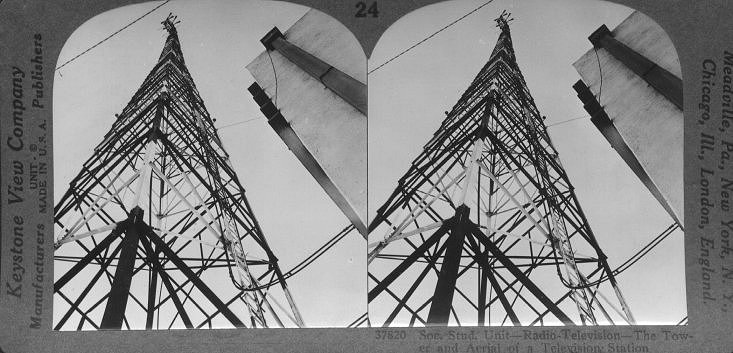
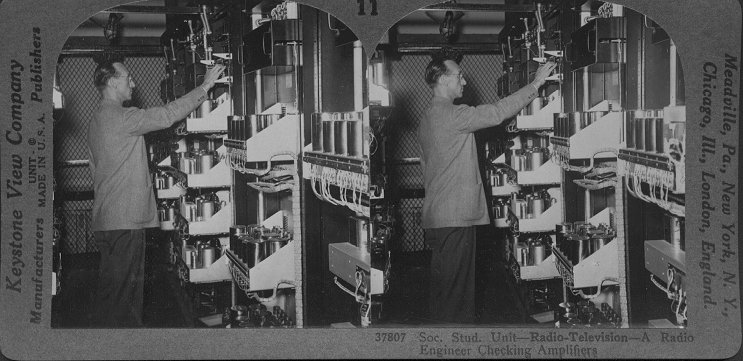
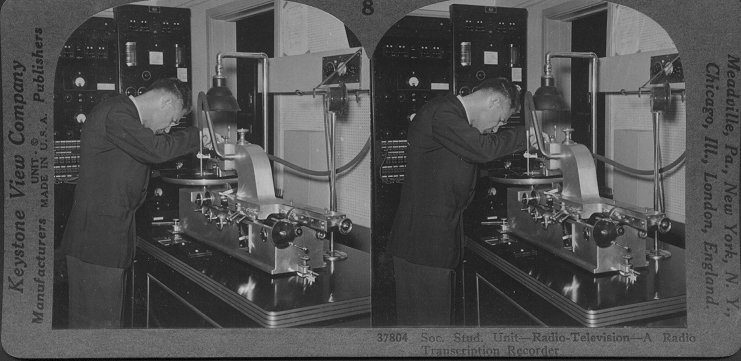
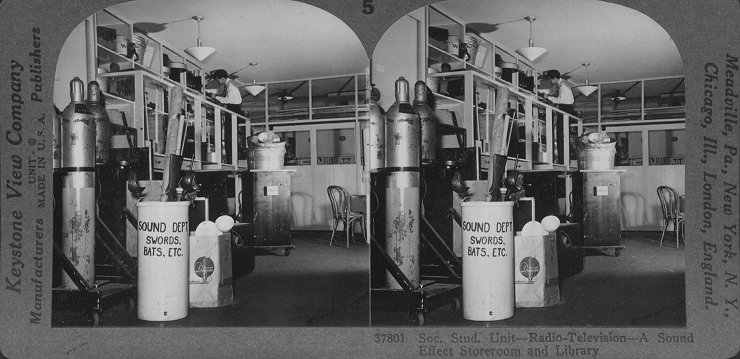
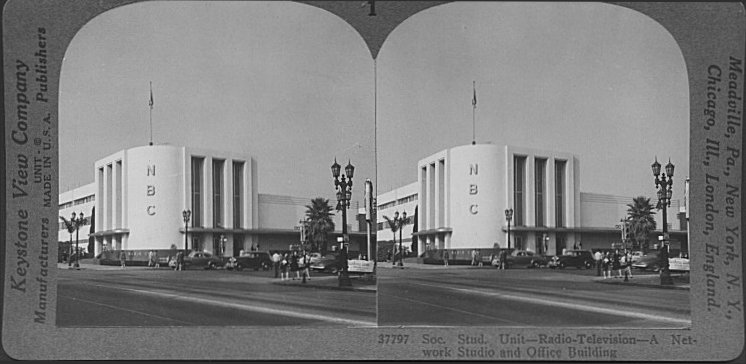
A Network Studio and Office Building. Radio & TV series is here! 

Other Galleries
To Air Travel Set To Radio & TV Gallery To New York City Gallery To American Indian Gallery


Tips on using the Stereoscope Applet:
1. Click on Size and a drop down menu will allow you to select various sizes for viewing.
2. Plus (+) key to increase size or minus (-) key to decrease size.
3. Ctrl+F keys will give you a full screen view of the stereo image.
4. The Esc key will return to the default size from full screen.
5. You can scroll forward or backward through the stereo images by using the Page Down or Page Up keys.
6. Ctrl+P keys for Parallel View.
7. Ctrl+Shift+C to return to 3-D view.
8. Click HERE for a more detailed tutorial.

This page updated September 28, 2002

Top of Page


All Rights Reserved.
This site hosted by USA Choice Internet Services, LLC